
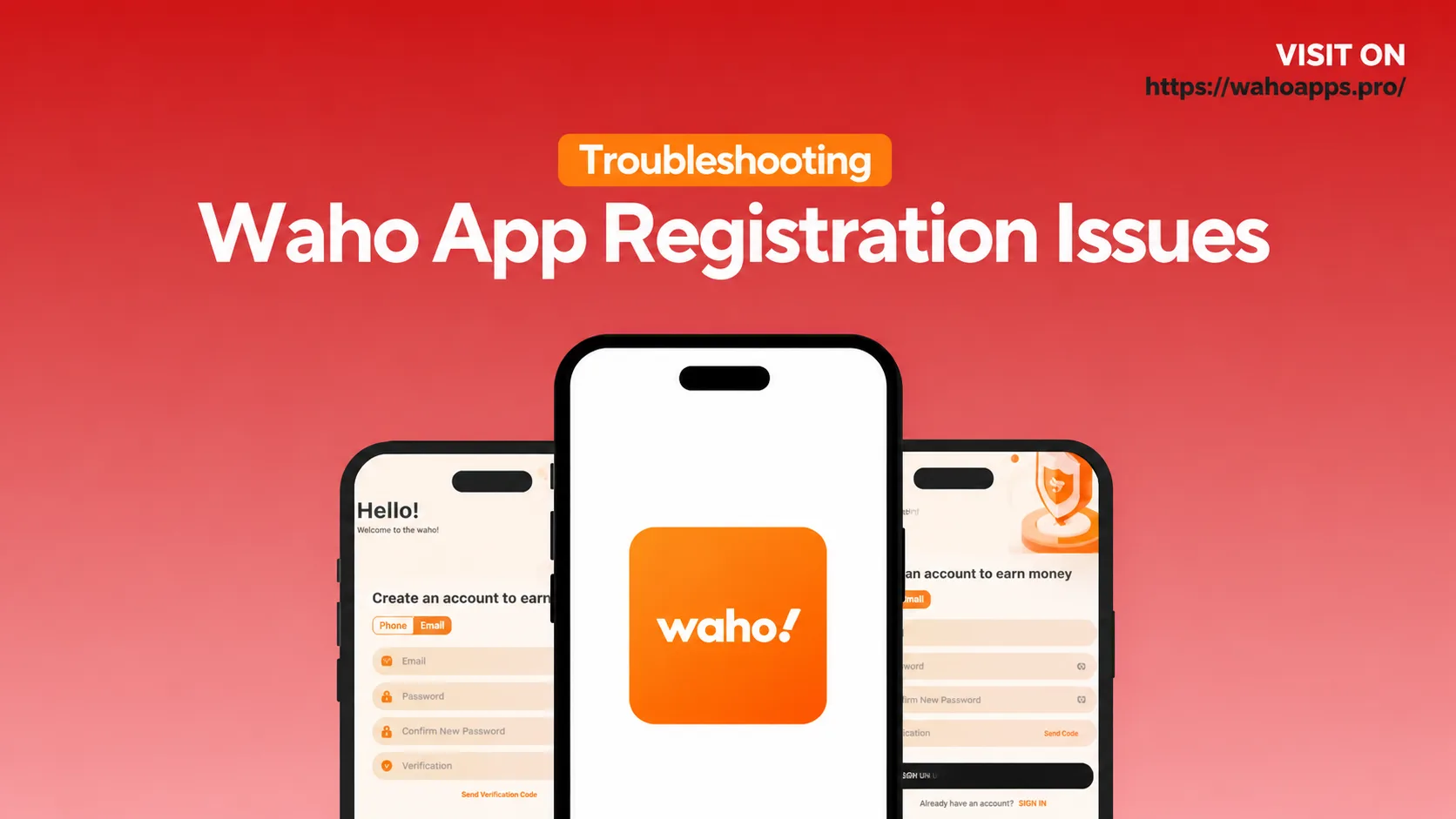
Troubleshooting Waho App registration issues starts with finding the main reason behind the problem. Common causes include wrong verification codes, weak internet connection, old app versions, cached errors, or problems with the APK file.
If Waho App is not letting you register, first check your internet connection. Then make sure your phone number or email is correct. You should also update the app, clear the cache, and try the registration process again.
If the problem continues, you can try another contact method, such as switching from phone number to email. You can also reinstall the app if nothing else works.
Why Am I Getting Errors While Registering on Waho App?
Registration errors can happen for many simple reasons. Sometimes the verification code is wrong. Sometimes the internet is slow. In other cases, the app version may be old or the app cache may be causing problems.
These issues are common in mobile apps. The good news is that most Waho App registration problems can be fixed with a few easy steps.
Many People Also Ask
What should I do if Waho App is not registering?
Check your internet connection first. Then confirm that your phone number or email is correct. Also, make sure you are using the latest version of the Waho App. If the issue continues, reinstall the app and try again.
Why is Waho App not sending a verification code?
This may happen because of SMS delays, network issues, blocked messages, or email filters. Try switching your network, using email instead of SMS, or checking your spam folder.
Can a bad APK cause Waho App registration failure?
Yes. A damaged, fake, or outdated APK file can cause sign-up errors. Always download the latest Waho APK from a trusted source.
Why does the app crash during registration?
The app may crash because of old cache files, low phone storage, an outdated operating system, or an old app version. Clearing storage, restarting your phone, or updating the app can help.
Waho App Registration Issues: Step-by-Step Troubleshooting
1. Check Your Internet Connection
A weak or unstable internet connection is one of the most common reasons for registration errors.
When you tap Register, the app needs to connect with its server. If your internet is slow, the app may freeze, fail, or show an error.
Fix:
Switch to another Wi-Fi network, restart your router, or try mobile data. If one connection does not work, try another one.
2. Check Your Contact Details
Wrong contact information can stop the registration process.
If you enter the wrong email or phone number, you may not receive the verification code. Even one wrong letter or number can cause a problem.
Fix:
Type your phone number or email carefully. Check every letter, number, and symbol before tapping Submit.
3. Wait for the Verification Code
Sometimes the app sends the code, but your phone or email receives it late.
SMS delays can happen because of carrier issues. Emails can also go to the spam or junk folder.
Fix:
Request the code again after waiting for a short time. If SMS is not working, try email verification. Also, check your spam or junk folder.
4. Update the Waho App or APK
An old app version can create registration problems. Some old APK files may also have bugs that stop users from signing up.
If you downloaded Waho APK from an unsafe website, the file may be broken or outdated.
Fix:
Download the latest version of Waho App from a trusted source. If you are using an APK, make sure it is the newest and safest version.
5. Clear App Cache and Data
Old cache files can create errors during registration. Sometimes the app saves old or broken data, and this can stop new sign-up attempts.
Fix for Android:
Go to Settings > Apps > Waho > Storage. Then tap Clear Cache and Clear Data. After that, restart the app.
Fix for iOS:
Delete the app and install it again. This will remove stored app data.
6. Free Up Device Storage
Low storage can also stop registration. If your phone does not have enough space, the app may fail to save account data.
Fix:
Delete unused apps, photos, videos, or files. Try to keep at least 500 MB of free space on your phone.
7. Check Device Compatibility
Some older phones may not support the latest app features. Secure registration may also fail if your phone’s operating system is outdated.
Fix:
Update your phone’s operating system if an update is available. If your device is too old, try registering on another phone.
8. Try Another Registration Method
Sometimes one registration method may not work. For example, SMS may fail, but email may work.
Fix:
If phone registration is not working, try email registration. If email is not working, try using your phone number.
New Data and Trends for 2026
In 2026, mobile app registration problems are still a major reason why users leave apps before creating an account.
Around 42% of users may leave an app if they face problems during sign-up. Verification failures are also a common issue, causing around 29% of mobile sign-up errors.
Device storage and compatibility problems are also increasing, especially on older Android phones. These issues now affect many registration attempts worldwide.
Troubleshooting Waho App Registration Issues vs Competitors
| Issue Category | Waho App | Competitor A | Competitor B |
|---|---|---|---|
| Failed Verification | Common with SMS, often fixed by email option | Usually email only, fewer SMS issues | Phone OTP only, high retry rates |
| App Crashes During Registration | Moderate with old builds | Low due to strict version control | Medium with mixed users |
| Verification Delay | SMS and email delays possible | Quick email delivery | Fast phone OTP |
| Mistyped Information | Frequent, needs careful checking | Immediate format checking | Predictive suggestions |
| Storage Issues | Affects older devices | Low due to better optimization | Medium in older versions |
| Support Options | In-app help and email | 24/7 support | Community help only |
Final Thoughts
Waho App registration issues are usually easy to fix. Most problems happen because of weak internet, wrong contact details, delayed verification codes, old app versions, or cache errors.
Start by checking your internet and contact information. Then update the app, clear the cache, and try another registration method if needed.
If the issue still does not go away, reinstall the app or try registering on another device.